
More design,
less busywork
Connect AI tools like Claude and ChatGPT to your designs with the Sketch MCP server. Hand off the repetitive work. Keep the creative work for yourself.
Do more with your designs
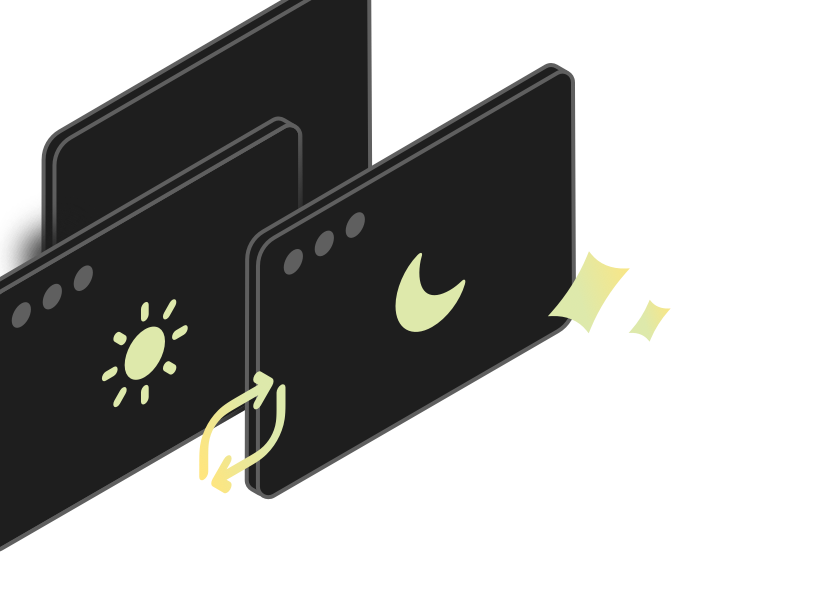
Swap themes in seconds
Switch light mode components for their dark mode counterparts — all without making a single manual swap.
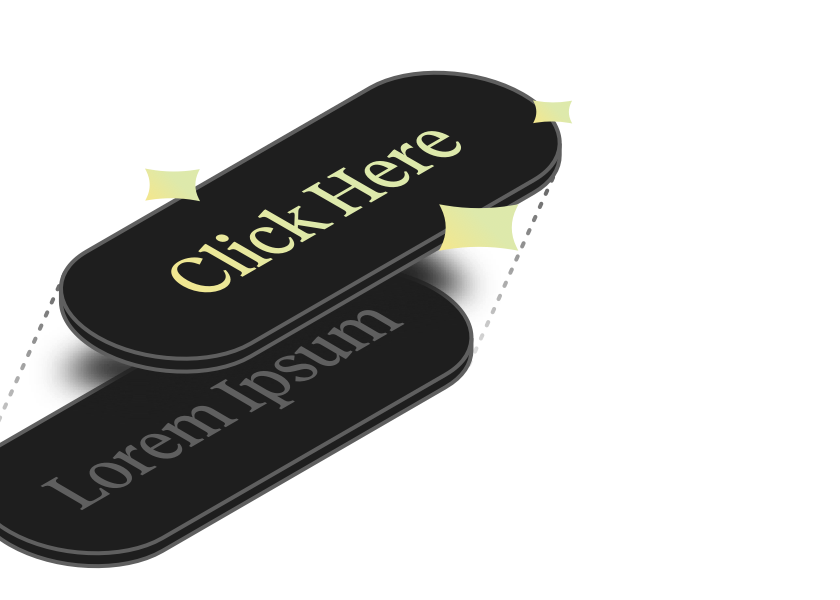
Fill in the blanks
Replace placeholder text across every layer with true-to-life, context-aware content. No more lorem ipsum.
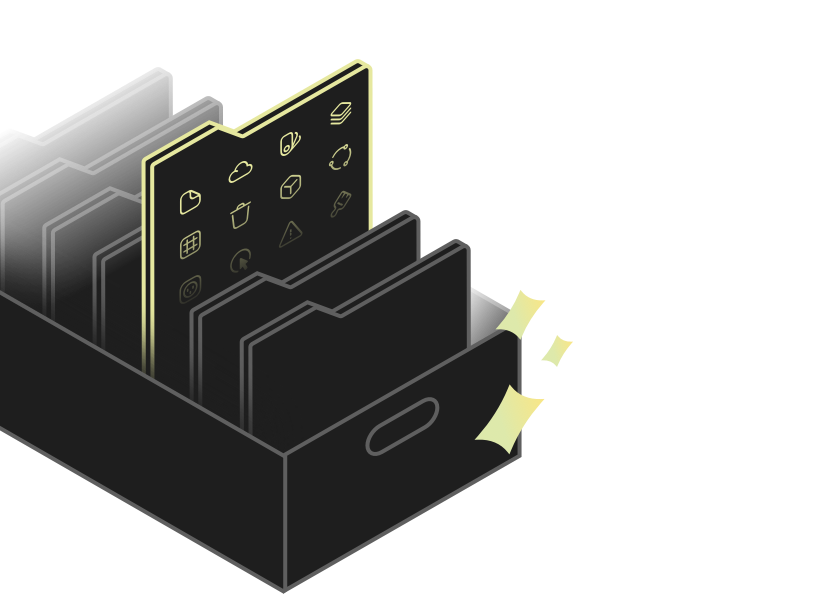
Tidy up documents
Sort, rename, and align layers automatically. Wrangle icon sets, keep Libraries clean, and bring calm to chaotic files.
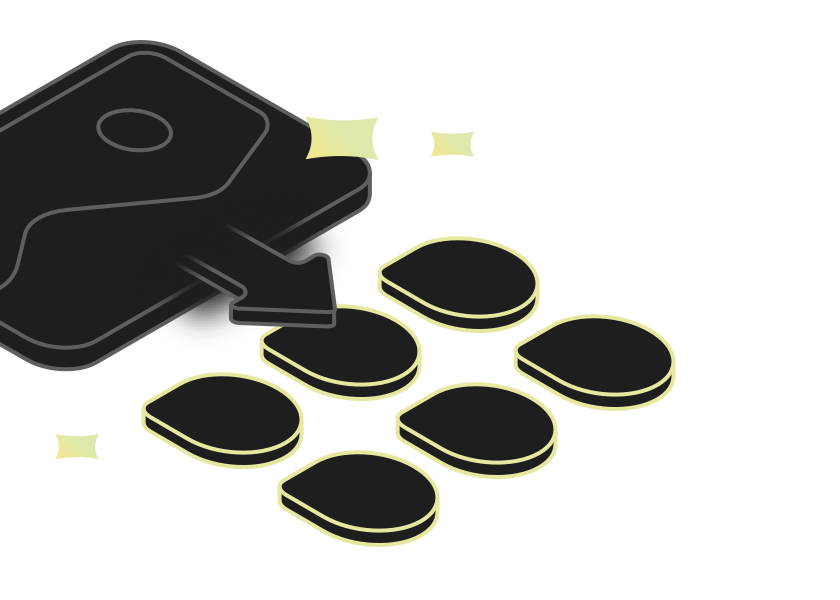
Build a palette
Drop in a photo and get a full set of named color variables that compliment it. An instant color palette, ready to use in your document.
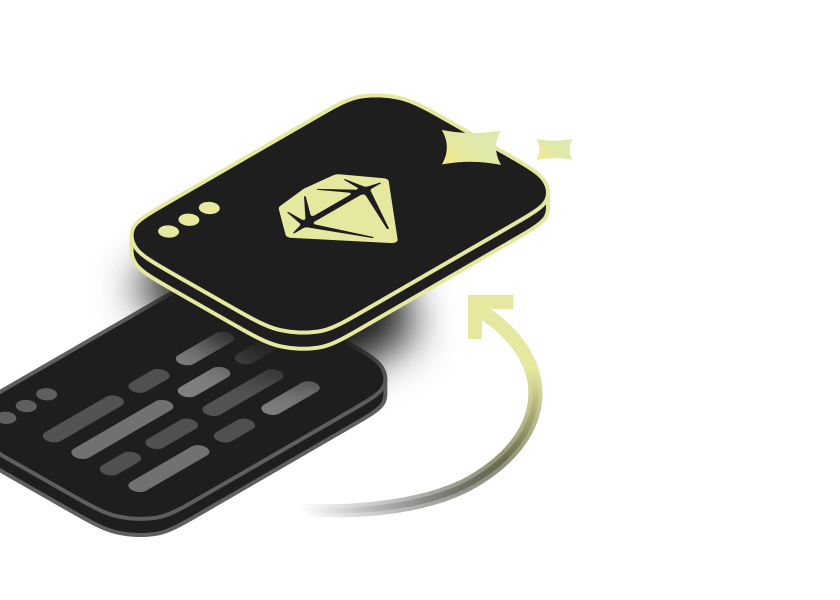
Build designs from code
Point your AI client at a repo to recreate text styles, colors, UI components, and even entire pages inside Sketch.
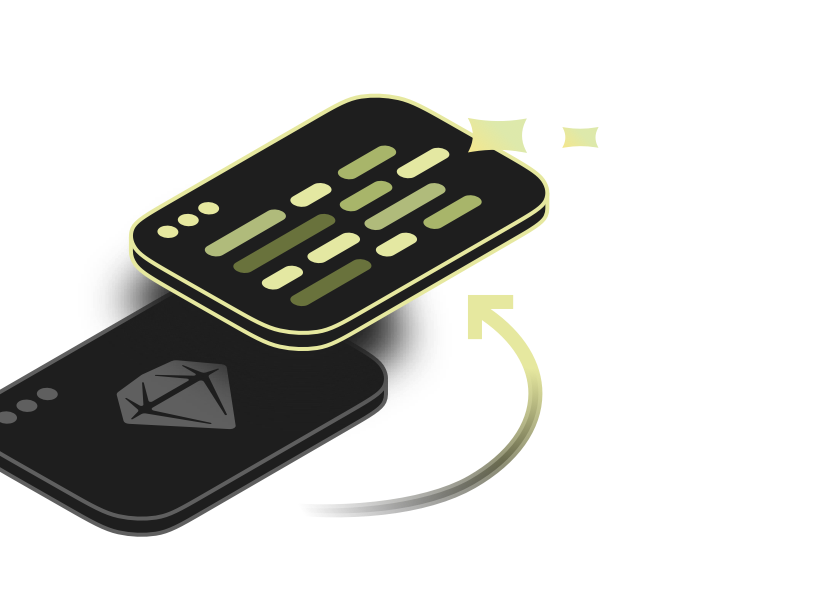
Create code from your designs
Take any frame in Sketch and build it out in code with 1:1 visual fidelity.
Get the implement-design skillGet started in minutes
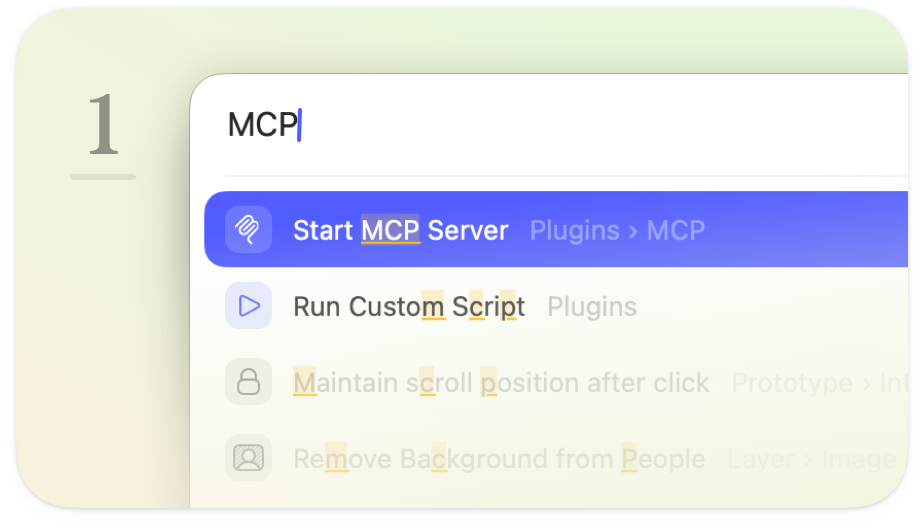
Start the server
Press ⌘K to open the Command Bar in Sketch, type “MCP”, and hit Start. The server runs locally on your Mac.
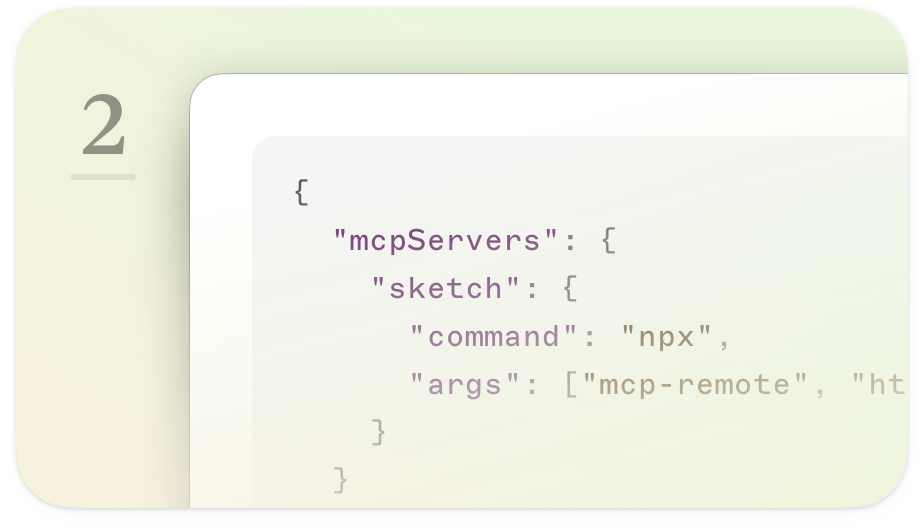
Connect your AI Client
Works with Claude Code, Claude Desktop, Cursor, VS Code, Codex, and any other MCP-compatible client.
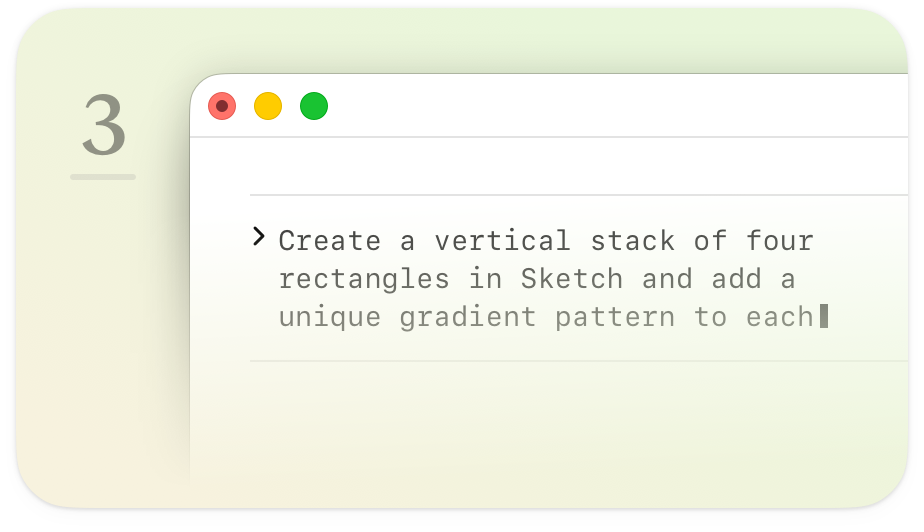
Start prompting
Tell your AI client what to do. It writes and runs the code inside Sketch, checks its own work, and iterates until the job’s done.
Your tools, your data, your Mac
The MCP server runs locally on your Mac and can’t be accessed remotely. It’s off by default — you decide when to switch it on and what your AI client can see. Prefer to keep everything on-device? MCP-compatible local models work too.


Take your next steps
MCP server docs
Everything you need to get started, including step-by-step setup guides for popular AI clients.
Five ways we use the MCP server
Real-world workflows with prompts you can copy, adapt, and build on.
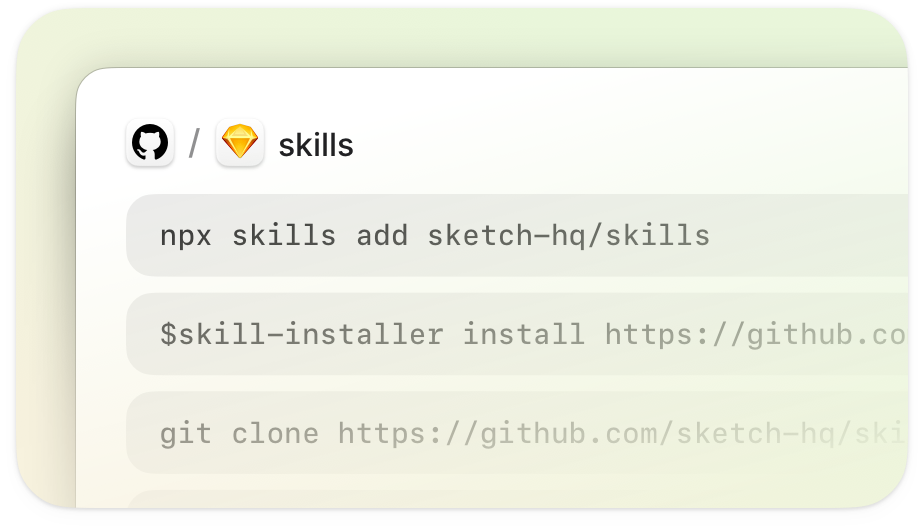
Sketch skills catalog
Explore and download agent skills, including our implement-design skill for 1:1 design-to-code.


Give your AI client a canvas
Download Sketch and connect your AI tools in minutes.
No extra costs. No lock-in.
